How Maya Built a 24/7 Sales Agent in n8n – And Stopped Losing Leads
Maya was tired.
As the marketing lead for a fast-growing detailing studio, her days were a blur of WhatsApp pings, Instagram DMs, Facebook messages, chat widget conversations, and Airtable form submissions. Every channel brought in potential customers asking about PPF, ceramic coating, or tinting. Every message felt urgent. And every delay in replying felt like money slipping away.
She knew the pattern. If she or the sales team did not respond within a few minutes, the prospect would move on to a competitor. Calendar links got lost in chat threads. Contact details were scattered across spreadsheets and half-filled CRM records. Even when someone was clearly ready to book, it took multiple back-and-forth messages to confirm a time.
One Monday morning, after finding three unread DMs from the weekend that were now stone cold, Maya decided something had to change. That decision led her to n8n, AI agents, and a sales automation template that would quietly turn her chaotic messaging inbox into a clean lead-to-booking pipeline.
The Problem: Too Many Channels, Not Enough Hands
Maya mapped out her reality:
- Leads arrived from WhatsApp, Facebook Messenger, Instagram, a website chat widget, and Airtable forms.
- Every conversation started from scratch, with repetitive questions about services and pricing.
- Contact details were often incomplete or missing, which made follow-up unreliable.
- Calendar bookings were manual, inconsistent, and occasionally double-booked.
- Her Airtable CRM was always a few steps behind real conversations.
She did not want a clunky chatbot that annoyed people. She wanted a smart, patient sales assistant that could greet visitors, qualify them, capture their details, and book consultations while keeping everything in sync with Airtable and her calendar.
That is when she found an n8n workflow template called “Sales Agent with MCP: Automated Lead-to-Booking Flow”. It promised exactly what she needed: a complete automation that would take an incoming message and turn it into a qualified lead, a CRM record, and a scheduled consultation.
The Vision: A Conversational Sales Agent, Not Just a Bot
As Maya dug into the template, she realized it was not just a collection of nodes. It was a designed sales agent, powered by AI and structured around a clear conversation state machine. The goal was simple:
Give modern buyers instant, helpful responses, while freeing the human sales team to focus on high-value conversations.
The architecture behind this was surprisingly elegant and gave Maya a clear mental model to work with.
Behind the Scenes: How the n8n Sales Agent Is Structured
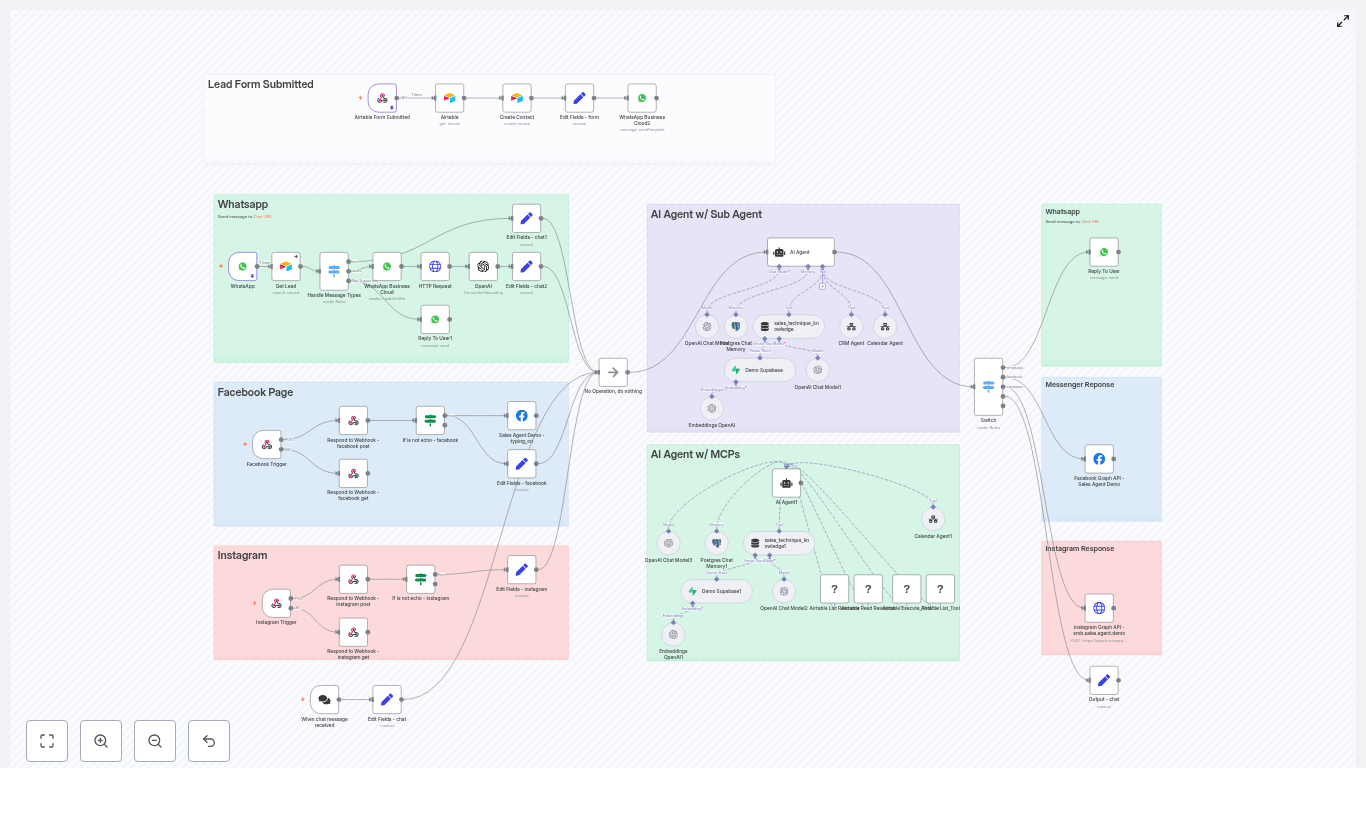
Multiple Entry Points, One Standard Conversation
The first thing Maya noticed was how the workflow handled entry points. Instead of building five different automations, the template connected all her channels into a single standardized flow.
Each trigger node – WhatsApp, Facebook Messenger, Instagram, web chat widget, and Airtable form – did one job: receive the raw payload and sanitize it. The workflow then converted that payload into a consistent format and passed it to the AI sales agent. No matter where a lead came from, the agent saw the same structured data and responded accordingly.
The AI Agent Core: A Brain With Clear States
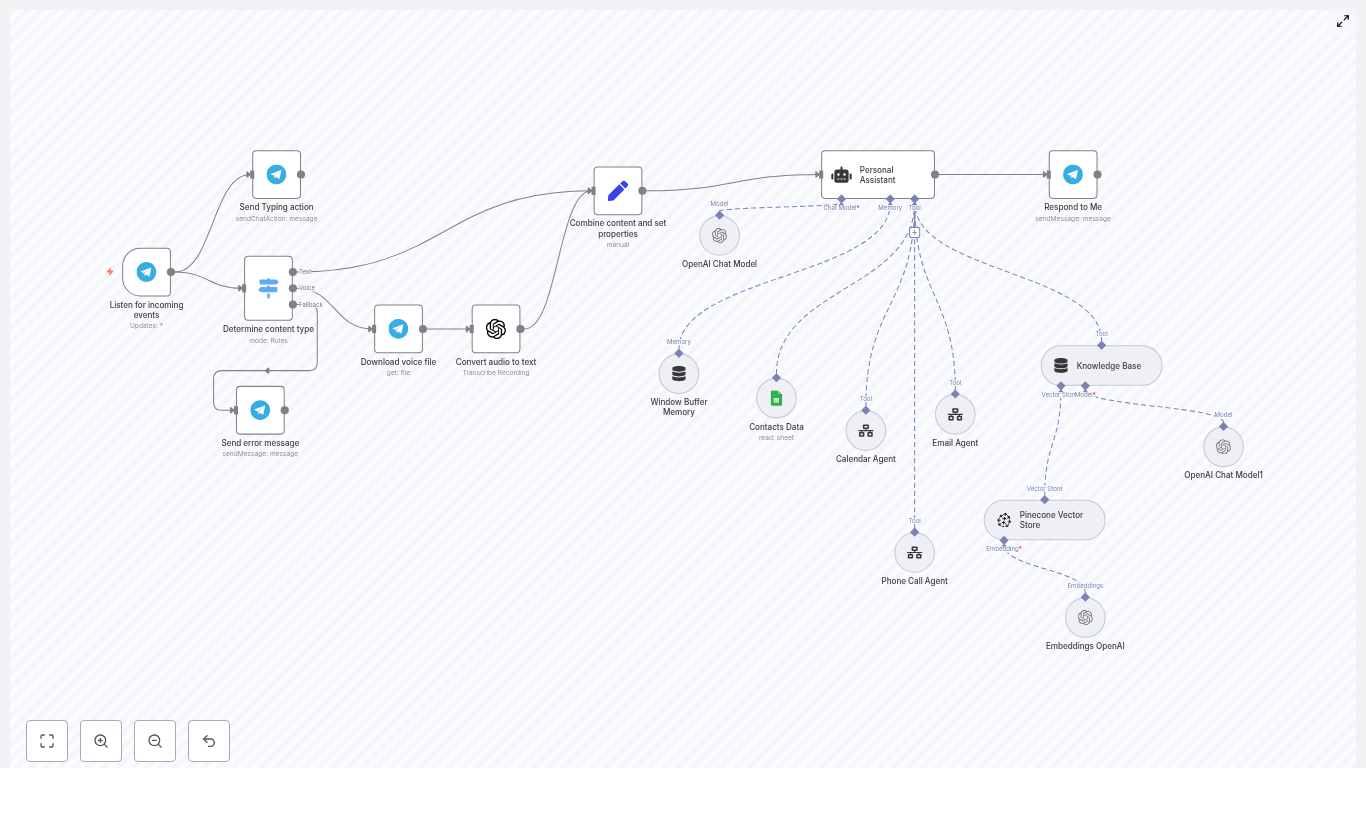
At the center of the workflow sat the AI agent, built using LangChain and OpenAI. Instead of freeform chat, it followed a strict state machine that kept conversations focused and predictable:
- INITIAL
- QUALIFYING
- CONTACT_COLLECTION
- SCHEDULING
- FOLLOW_UP
The agent had access to a curated knowledge base called technical_and_sales_knowledge that contained all the product and service details. It did not query external sources mid-conversation. That meant consistent, accurate messaging about PPF, ceramic coating, tinting, and any other service Maya added to the knowledge store.
Two specialized sub-agents handled external operations:
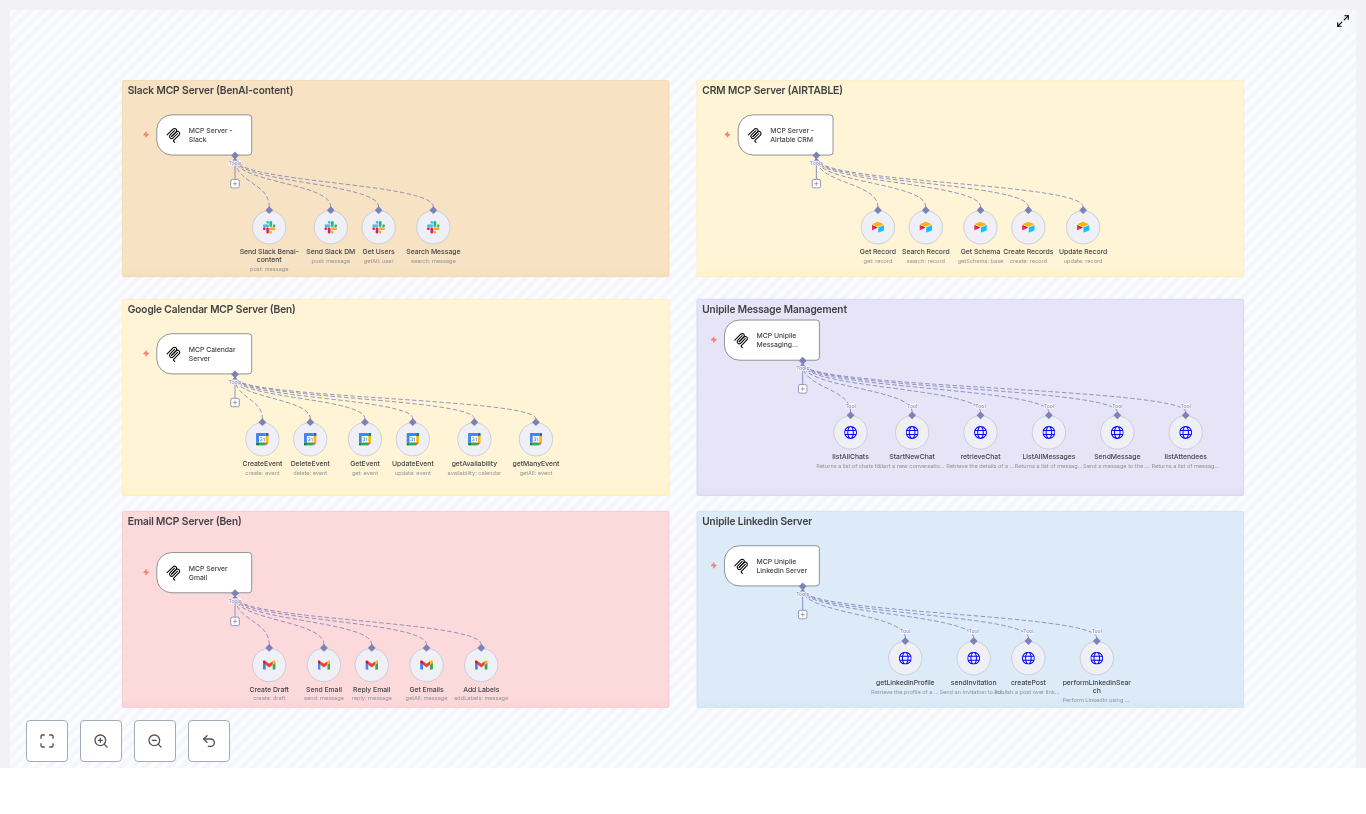
- crmAgent used MCP tools to talk to Airtable.
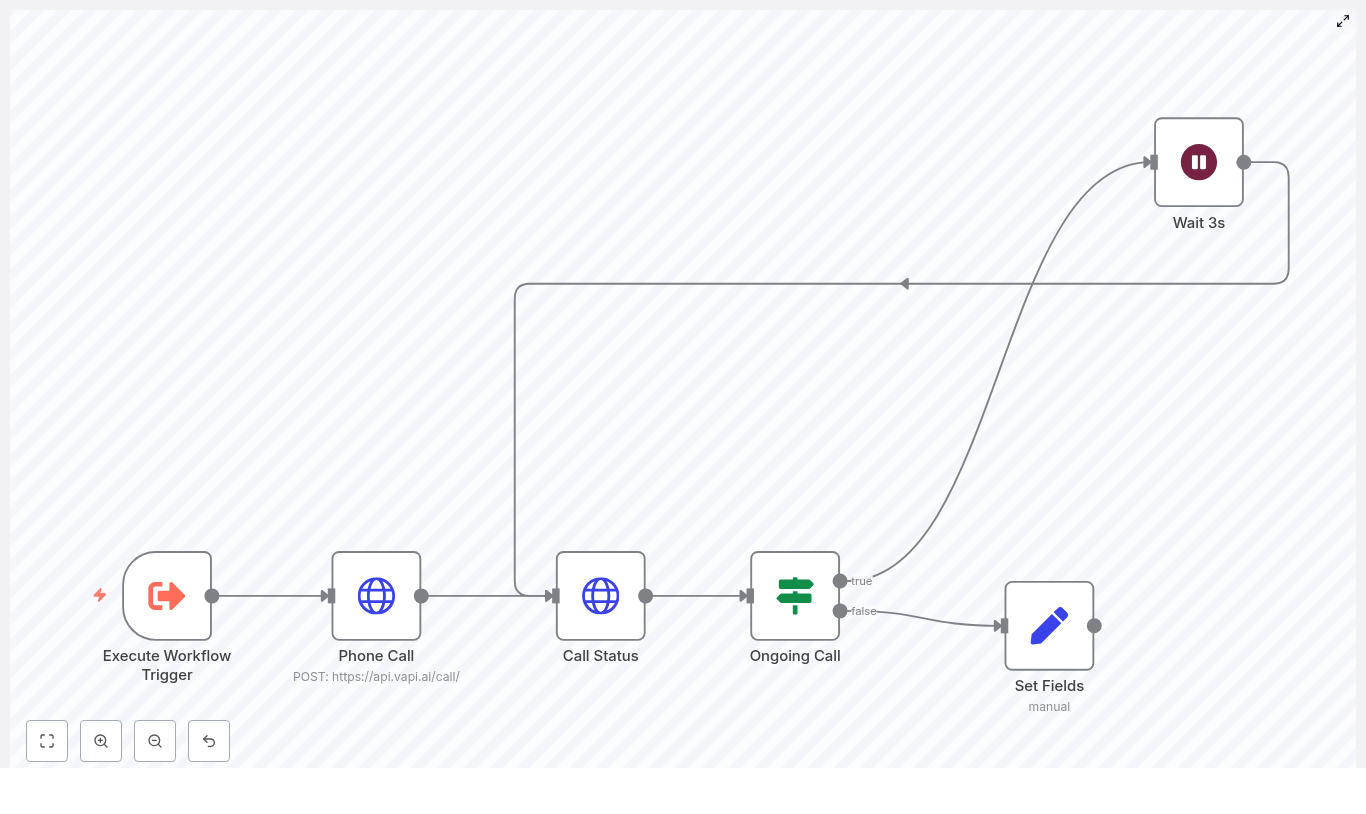
- calendarAgent managed scheduling through a dedicated workflow.
The main AI agent only called these tools once the conversation reached the right state, which kept the flow logical and easy to debug.
The First Run: Watching the Conversation States in Action
Maya decided to test the workflow as if she were a new lead. She opened the chat widget on her own site and typed a simple message:
“Hi, I’m interested in ceramic coating for my new car.”
INITIAL: A Friendly Start
The agent greeted her warmly and asked how it could help. Because she had already mentioned “ceramic coating”, the agent acknowledged the specific service and moved smoothly into qualification without repeating obvious questions.
QUALIFYING: Smart, Focused Questions
Now the agent started asking short, single questions. It wanted to know:
- Her goal: protection, appearance, or both.
- Basic vehicle details when relevant.
- Clarification on the exact service she had in mind.
Every answer was reflected back with concise, conversational messages, each under about 160 characters. No long walls of text, no confusing lists. Just one question at a time, pulled from the approved technical_and_sales_knowledge source so the benefits and explanations stayed accurate and on-brand.
CONTACT_COLLECTION: Turning a Conversation Into a Lead
Once Maya, now in the role of the prospect, clearly indicated she wanted to book, the agent shifted gears. It asked for her first name and email address.
The template handled a clever exception here. If the lead came from WhatsApp, the workflow assumed contact details were already available from the platform, so it skipped redundant questions. For chat, Instagram, Facebook, and forms, it asked directly.
As soon as those details were captured, the agent quietly called the crmAgent using MCP tools. Behind the scenes, it created or updated a Contact record in Airtable. The returned record ID was stored in memory as contact.crmRecordId, ready to be used later when creating an Opportunity.
SCHEDULING: From Interest to Calendar Booking
With a contact safely stored in Airtable, the agent moved to the scheduling phase. It asked for preferred dates and times, again with focused prompts.
When Maya replied with a specific time, the agent invoked the calendarAgent, passing two key pieces of data:
- The attendee email.
- The desired start time in ISO 8601 format.
Once the calendar workflow confirmed the booking, the system created a new Opportunity record in Airtable and linked it back to the Contact using the stored crmRecordId. In a few messages, the journey had gone from casual inquiry to a fully logged, scheduled consultation.
FOLLOW_UP: Clear Confirmation and Next Steps
The agent then confirmed the date and time in the chat and told Maya that a calendar invite would arrive by email. It wrapped up with a polite closing and any final instructions.
What struck Maya was how human the flow felt. There was no sense of being pushed through a rigid script. Yet behind the scenes, every step was tracked, every record updated, and every booking tied to a real contact in Airtable.
The MCP and Airtable Layer: Keeping Data Clean and Reliable
Once the basic experience worked, Maya looked closer at the Airtable integration. The template used MCP tools to keep calls efficient and robust.
How the MCP (Airtable) Strategy Works
The workflow followed a few important rules:
- Use discovery tools like
list_resourcesandread_resourceonly when needed, not on every call. - Store
baseIdandtableIdmappings in memory so repeated calls could skip discovery. - Use
Execute_Toolfor actual data operations such ascreate_recordandupdate_records. - Always save returned record IDs, especially
contact.crmRecordId, so Opportunities could be linked back to Contacts.
This strategy made the workflow faster and more resilient. If something changed in Airtable, the discovery tools could be re-run and memory updated, without rewriting the whole automation.
Guardrails: Knowledge, Communication, and Error Handling
As a marketer, Maya cared a lot about tone, accuracy, and reliability. The template gave her clear guardrails she could trust.
Strict Knowledge and Communication Rules
The AI agent was only allowed to pull service details from the curated vector store technical_and_sales_knowledge. That prevented it from making up features or pricing based on internet guesses.
Communication rules were equally specific:
- Keep messages concise, similar to SMS length.
- Avoid lists in customer-facing replies.
- Ask one question at a time to reduce friction and keep engagement high.
These constraints helped the agent feel more like a professional sales assistant and less like a verbose chatbot.
Error Handling and Retries
Maya knew that real-world automations break. APIs change, fields get renamed, tools occasionally fail. The template addressed this with a clear retry strategy.
If a tool call like Execute_Tool failed, the agent would:
- Re-run discovery tools to refresh base and table IDs.
- Update its memory with the new mappings.
- Retry the data operation.
Failures were logged and surfaced to admins when retries did not solve the problem. That meant Maya could see what went wrong and fix it, instead of silently losing leads.
The Turning Point: From Manual Chaos to Measurable Flow
After a week of testing, Maya was ready to go live. Before flipping the switch on all channels, she walked through a deployment checklist built into the template.
Testing the Full Lead-to-Booking Journey
She verified that:
- Every trigger worked as expected: WhatsApp, Facebook, Instagram, chat widget, and Airtable form submissions.
- The full booking flow completed successfully and calendar invites were delivered to the email provided by the user.
- Airtable Contact records were created or updated with correct fields.
- Opportunity records were properly linked to the right Contact via the stored record ID.
- Simulated tool failures triggered retry logic and alerts.
- Localized or malformed inputs were handled gracefully with clarifying prompts.
Only after those tests passed did she connect the workflow to her production accounts.
Living With the Automation: Monitoring and Optimization
In the first month, Maya watched the numbers closely. The template made it easy to instrument the workflow and track key metrics.
Metrics That Mattered
She monitored:
- Lead volume by channel, so she could see which platforms were actually driving conversations.
- Time-to-contact, now measured in seconds instead of hours.
- Conversion rate from initial conversation to booked consultation.
- Tool error rates, to catch integration issues early.
- No-show rates after booking, which helped refine reminder strategies.
Using these insights, she tweaked prompts, shortened some qualification steps, and adjusted calendar availability to better match when leads were most active.
Privacy, Compliance, and Trust
Maya also had to satisfy internal policies and regional data rules. The template aligned well with that responsibility.
The workflow was designed to:
- Collect only the minimum personal data needed to schedule and follow up.
- Store limited PII in Airtable and calendar tools, with clear mapping.
- Inform users when a calendar invite or follow-up message would be sent.
Because she knew exactly what data was captured and where it went, she could confidently document the process for her leadership team and legal advisors.
When Things Go Wrong: Troubleshooting in the Real World
Over time, a few issues did crop up, but the template had already anticipated the most common ones.
Typical Failures Maya Encountered
- Calendar bookings failing due to malformed ISO timestamps or missing attendee emails.
- CRM operations failing when Airtable base or table IDs changed and the cached mappings became stale.
The included troubleshooting tips guided her through quick fixes:
- For calendar issues, she checked the ISO 8601 format and ensured the email field was always available before calling calendarAgent.
- For CRM issues, she triggered a
List_Resourcescall to refresh IDs, then usedRead_Resourceto confirm field names before retryingcreate_recordorupdate_records.
Because those steps were part of the documented strategy, she did not have to reverse engineer the workflow every time something changed.
The Resolution: A Sales Agent That Never Sleeps
A few months after launch, Maya looked back at her original problem. The late-night DMs were still coming in. WhatsApp was still buzzing. Instagram followers still wanted quick answers about coatings and tinting.
The difference was that she no longer had to be the one glued to every channel.
The n8n sales agent greeted leads instantly, qualified their needs, collected their contact details, created Airtable records, and booked consultations on the team calendar. Her sales reps spent more time in actual conversations with high-intent prospects and less time chasing basic information.
The automation was not just a chatbot. It was a production-ready pattern built on:
- Clear conversational states.
- Strong tool orchestration with MCP and Airtable.
- Defensible memory management for IDs and mappings.
- Robust error handling and monitoring.
Most importantly, it was reliable and auditable. Every appointment and every opportunity had a clear trail from the first “Hi” in chat to the booked consultation in the calendar.
Your Next Step: Put This n8n Sales Agent to Work
If you see yourself in Maya’s story, you do not need to design this from scratch. The n8n template she used is ready to plug into your own stack and adapt to your services.
Here is how to get started:
- Download the n8n template and import it into your n8n instance.
- Connect your channels: WhatsApp, Facebook Messenger, Instagram, chat widget, and Airtable forms.
- Link your Airtable base and calendar system using the MCP strategy outlined above.
- Test the full flow end-to-end, including edge cases and error paths.
- Launch gradually, monitor metrics, and refine prompts and availability.
Within days, you can have your own AI-powered sales agent converting incoming messages into booked consultations, without adding headcount or sacrificing response quality.
Call to action: Download the n8n template, connect your channels, and schedule a free setup consultation to tailor this lead-to-booking automation to your business.